One Photo, Five AI Videos: All 5 Copy-Ready Prompts for Every Style
 Nadin Lasko,
2 hours ago
5 min read
Nadin Lasko,
2 hours ago
5 min read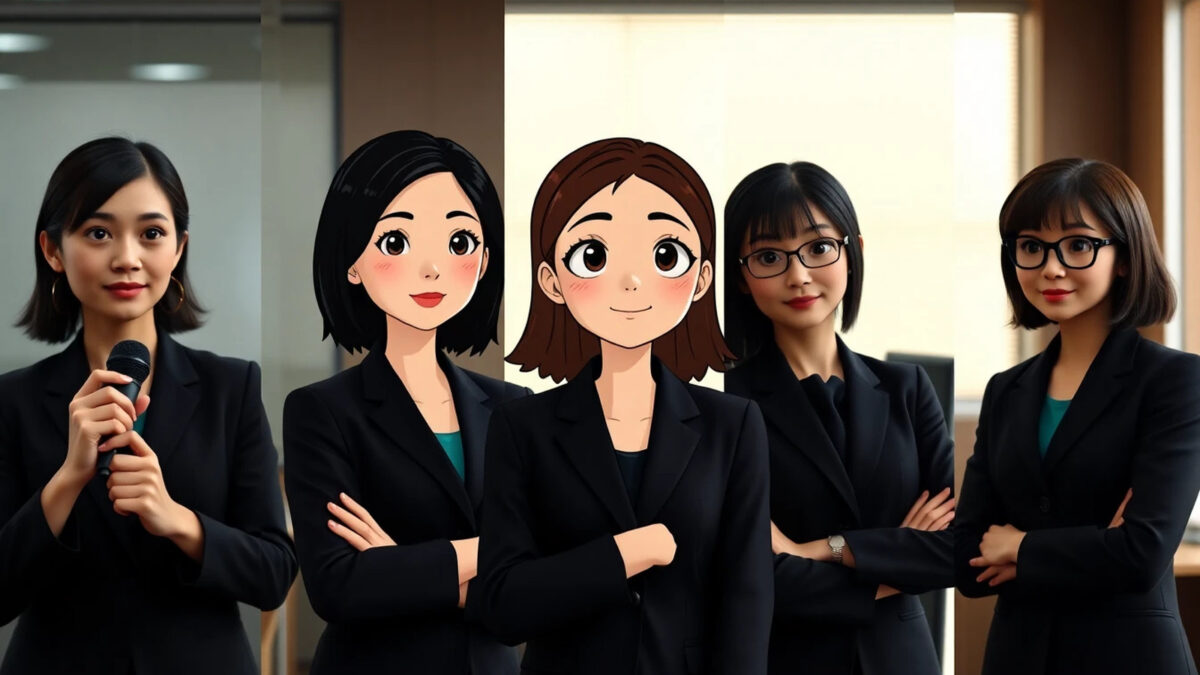
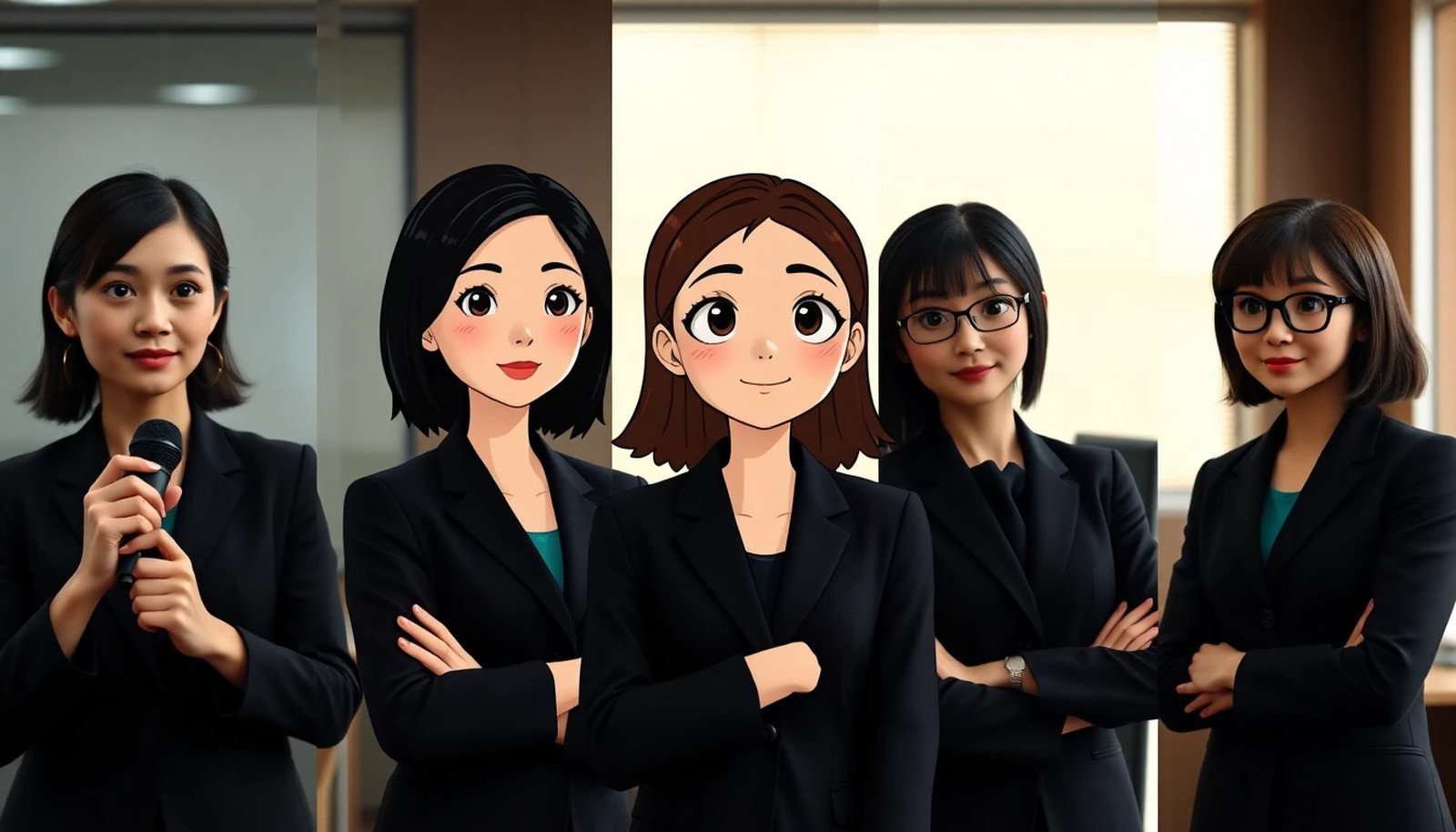
One clear photo can anchor five different AI video styles. iTMunch’s “1 Photo → 5 AI Videos” prompt pack shows how to restyle one portrait as stylised 3D animation, anime, claymation, a 1990s VHS commercial and a photoreal vlog—then animate each version with a short line and a finger snap.
This guide includes all five image prompts, all five video prompts and the separate VHS edit instruction from the pack. The placeholders [outfit] and [line] are left in place for you to customize.
The four-step workflow
- Choose one base photo. The pack recommends a clear, front-facing 9:16 portrait with consistent clothing, good light and hands visible.
- Restyle the original photo. Run each image prompt from the same original photo, keeping pose and framing consistent. Do not use one restyled image as the input for the next style; the pack warns that errors compound.
- Animate each still. Use the corresponding styled image as the first frame in an image-to-video model. Add the same voice reference to keep the voice consistent where the tool supports it.
- Keep each clip short and cut on the snap. The pack suggests 4–5 seconds per style: one spoken line, then a finger snap. End each clip on the snap and use it as the cut point between styles.
All five AI image-to-video prompt sets
1. Pixar-style 3D
IMAGE prompt
Completely remake this photo as a frame from a Pixar-style 3D animated feature film. EVERYTHING is a stylised 3D CG render: the woman (big expressive eyes, soft stylised features, smooth sculpted hair, [outfit]) AND the whole office behind her: rounded stylised 3D desks, chunky cartoon monitors, cartoon 3D coworkers, warm colourful animated-film lighting. Keep the same composition, pose and framing. Absolutely not photoreal.
VIDEO prompt
Pixar-style 3D animated feature film, keep the exact stylised 3D look of the first frame for the whole clip (squash-and-stretch facial animation, bouncy hair). She speaks to camera with bright, bubbly energy and says: “[line]”. At the very end she snaps her fingers with a crisp finger-snap sound.
2. Anime
IMAGE prompt
Re-draw this exact photo as a hand-drawn Japanese anime film frame (clean line art, cel shading, painterly background, soft glowing window light). Keep the identical composition, camera angle, pose, framing and background layout. Same woman, same outfit. No other text.
VIDEO prompt
Hand-drawn 2D anime animation, keep the exact cel-shaded style of the first frame for the whole clip (anime mouth and blink animation). She speaks to camera, delighted and energetic: “[line]”. Soft light sparkles drift. At the very end she snaps her fingers.
3. Claymation
IMAGE prompt
Completely remake this photo as a claymation stop-motion movie frame, like a still from an Aardman plasticine film. EVERYTHING is visibly modelling clay: her hair (thick sculpted strands), skin (matte plasticine with thumbprints), clothes, the microphone and the whole miniature office set with little clay coworkers. Chunky handmade proportions, tabletop set lighting. Same composition and pose. Absolutely not photoreal.
VIDEO prompt
Claymation stop-motion, keep the plasticine look for the whole clip, animated on twos with slightly choppy timing, clay mouth shapes. Cheerful and a little cheeky: “[line]”. At the very end she snaps her fingers.
4. 90s TV ad
IMAGE prompt
Turn this exact photo into a frame from a 1990s TV commercial recorded on VHS: warm oversaturated colours, soft focus, scanlines, slight chromatic aberration. Restyle the office as a 1990s office: beige CRT monitors, fax machine, big plastic plants, vertical blinds. Keep the identical composition and pose, 90s volume hair.
VIDEO prompt
A 1990s TV commercial shot on a camcorder, slight wobble. Cheesy, upbeat infomercial enthusiasm: “[line]”. At the very end she snaps her fingers.
EDIT instruction
Add the VHS look in your editor too: grain, scanlines, a 2-px red/blue offset and a slight blur.
5. Photoreal
IMAGE prompt
Photoreal handheld smartphone photo in a bright modern office, natural skin texture with pores and slight imperfections, real lens, no beauty filter. Same woman, same outfit, holding a small microphone.
VIDEO prompt
Photoreal handheld smartphone vlog. She speaks straight to camera, warm and confident, in the same voice as the reference audio: “[line]”. The camera slowly pulls back to reveal the busy office. Quiet office ambience, no music.
Keep the character and voice consistent
The pack’s main continuity rule is to restyle every version from the same base photo rather than chaining one style into the next. For each short video, keep the spoken line concise, reuse the voice reference where available, and finish on the same snap cue. That gives the editor a consistent transition point across the five versions.
The source pack recommends disclosing when a person or mascot is AI-generated. It identifies Alisha as iTMunch’s AI-generated mascot and says the tool-access and pricing notes were checked on October 26, 2026. Those details can change, so check the current app or service before planning a production.
Tools listed in the prompt pack
In its October 26 snapshot, the pack says the anime and 90s stills were made with Nano Banana Pro in the Gemini app; it notes free-tier daily limits and higher limits on paid Google AI plans. It lists GPT Image in ChatGPT for the 3D and clay stills, with limits on the free tier and more access on paid plans. For video, it lists Seedance 2.5 through Dreamina, CapCut and ComfyUI, and describes access as credit-based with first-frame and voice-reference support. Treat these as the pack’s dated notes, not guaranteed current prices or availability.
iTMunch says it is not affiliated with Google, OpenAI or ByteDance. Replace [outfit] and [line] with your own details, and use a face or voice only when you have permission to do so.
Related reading
For broader campaign ideas, see iTMunch’s guide to AI prompts for social-media promo videos.
One Photo, Five AI Videos: All 5 Copy-Ready Prompts for Every Style